Anthropic flipped Claude Cowork to generally available across all paid plans on April 9, 2026. Computer use, Dispatch, and Projects all landed in the same cycle. Cowork is the agentic desktop mode inside the Claude app -- you point it at a folder, tell it what to do, and it plans and runs the work across your files, apps, and browser without babysitting.
What Cowork is (and is not)
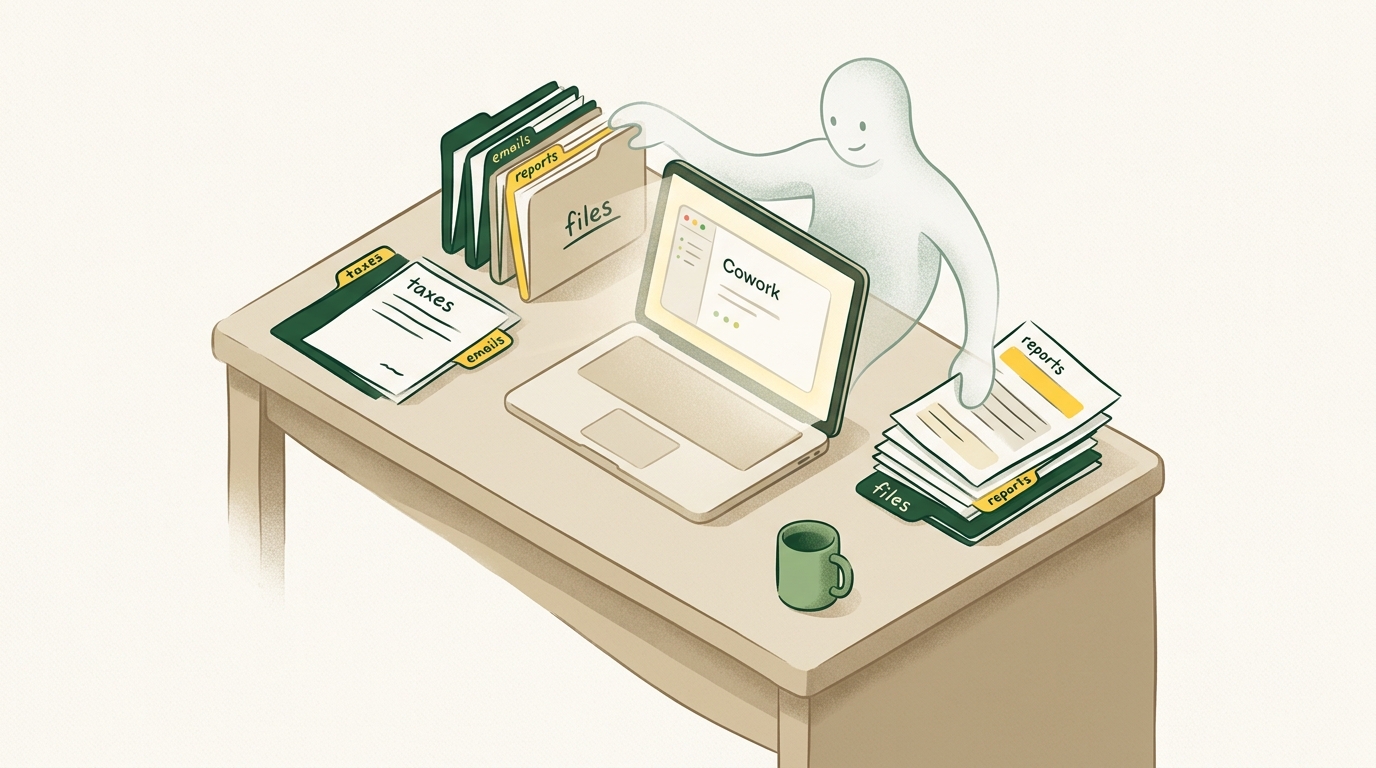
Cowork brings Claude Code's agentic power to the Claude desktop app, but for knowledge work instead of coding. Where Chat is a conversation and Code is a dev tool, Cowork is a working session -- you describe the task, Claude plans and executes it, and you steer along the way. It runs inside a sandboxed Linux VM that comes with the desktop app (about 2GB download the first time).
Jeff Su framed the difference on his YouTube channel (200K views) like this: Chat uploads files to the cloud with a hard cap of 20 files per conversation and 30MB each. Cowork works directly on the folder you grant it. That removes the upload tax and the timeout ceiling in one move.
Cowork is on Pro ($20/mo), Max, Team, and Enterprise. macOS and Windows.
How to set it up in 5 steps
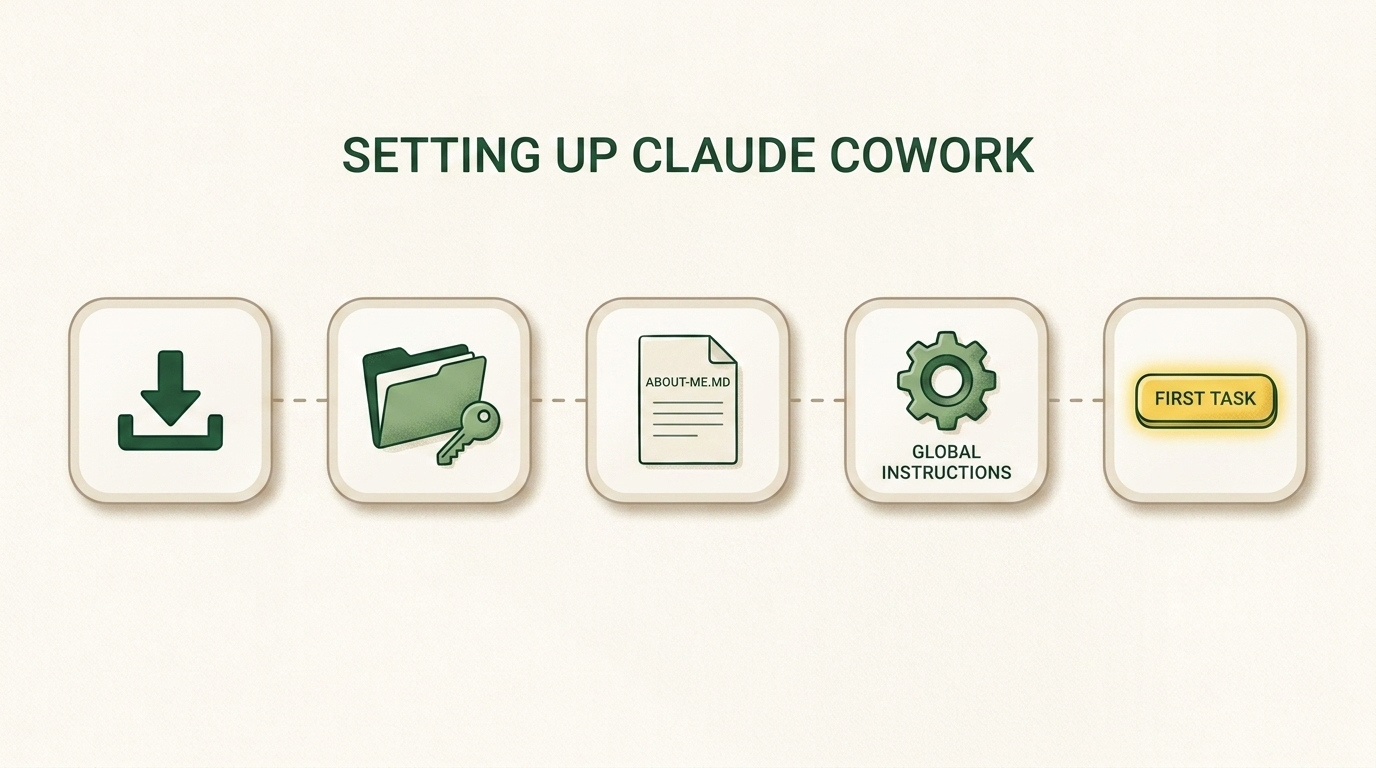
1. Install the desktop app. Download Claude Desktop, sign in, and toggle Cowork on in Settings. The app pulls a Linux VM the first time -- let it finish.
2. Grant folder access selectively. Point it at specific project folders, not your whole home directory. Good starting folders: a work project, a receipts folder, a notes vault, a marketing workspace. Avoid system folders.
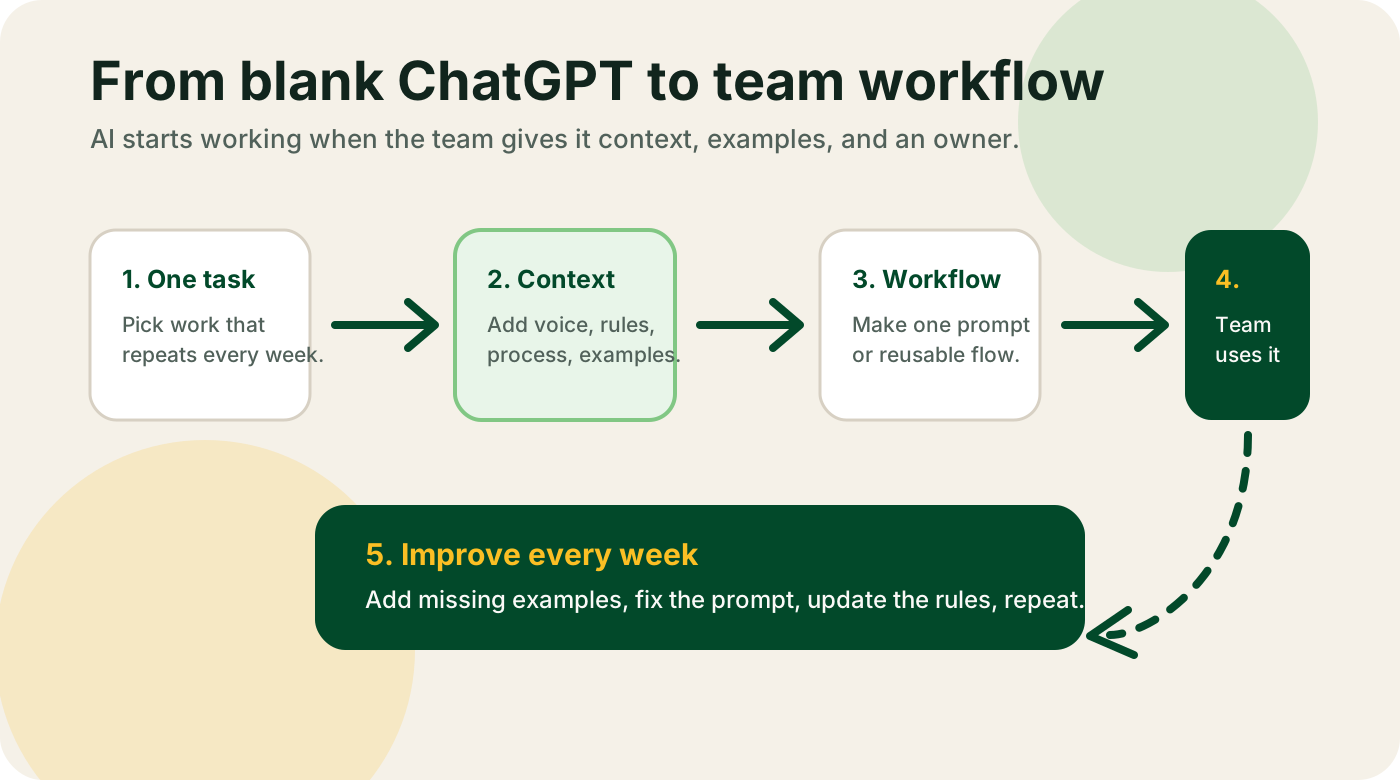
3. Drop an about-me.md into each workspace. This is the single highest-ROI setup step. Write 10-15 lines covering your role, your team, your priorities, your tone, your preferred output format, and what you do NOT want the agent to do. Without it, output is generic. With it, output sounds like your work.
4. Set Global Instructions. Go to Settings → Cowork → Global Instructions and add rules that apply to every session: tone, format, constraints. Every workspace inherits them.
5. Give it a real first task. Not a demo task. Something from your actual backlog: sort Downloads by project and write a summary, extract totals from every receipt in /taxes/2026 into a CSV, read all the PDFs in /research and build a one-page synthesis.
Important
Cowork out of the box is mediocre. Properly configured it is a different tool. The gap between the two is about 30 minutes of setup. Every top tutorial says the same thing. This is not optional.
The best everyday use cases
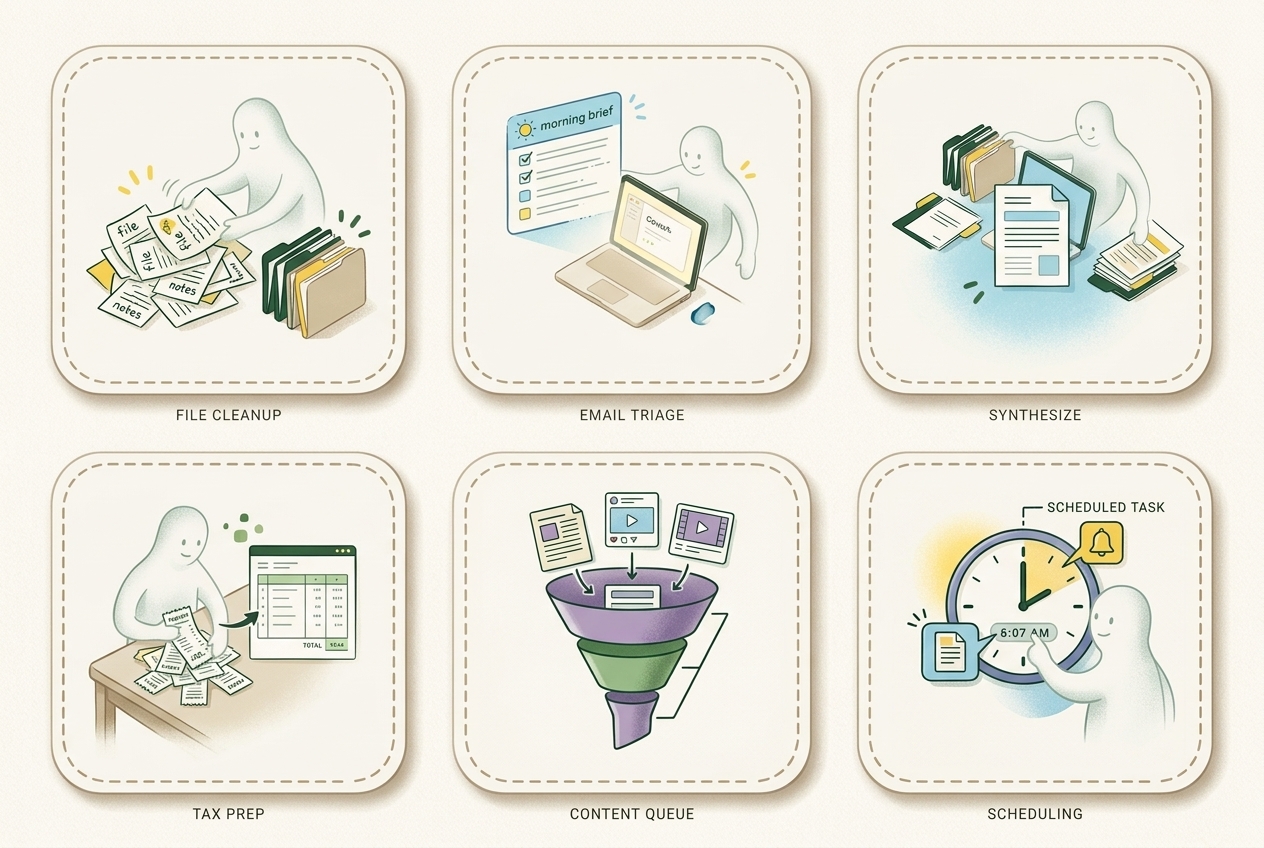
These are the patterns that showed up over and over on Reddit, YouTube, and X. Not marketing hype. Actual workflows people are running right now.
File cleanup and sorting. Point Cowork at Downloads, Desktop, or a screenshot folder. Ask it to rename, dedupe, and sort by project or date. Nick Milo organized 324 screenshots live on his YouTube channel.
Email triage and morning briefs. A daily inbox digest: unread count, top senders, urgent threads, auto-drafts for routine replies. Pair it with Dispatch so it runs before you open the laptop.
Tax prep and receipts. One r/wallstreetbets post titled "Claude just did my taxes" hit 4,900 upvotes. Pile of receipts and statements in a folder, structured return-ready spreadsheet out the other end. The top comment got it right: this only works if you actually have all the files in one folder.
Research synthesis. Drop a folder of papers, interview transcripts, or competitor docs. Ask for a themed synthesis with citations. Much better than cramming everything into a chat window.
Draft assembly from source files. Source files in, structured first draft out. Obsidian users report strong results reorganizing and cross-linking notes across a full vault.
Spreadsheet work. Clean CSVs, normalize columns, detect outliers, build derived metrics. Analysts are using it to kill two hours of manual prep before the actual analysis even starts.
Scheduled morning briefs. Dispatch lets Cowork run tasks on a schedule -- daily, weekly, whatever you want. Good candidates: inbox digest, calendar prep, pipeline snapshot, competitor check.
Customer success workflows. One r/CustomerSuccess thread had CSMs using Cowork for meeting prep against Gong, Salesforce, and email threads.
The non-obvious gotchas
Usage limits bite fast. One r/Anthropic post, "16% usage on 20x Max $200 while sleeping," hit a nerve. Even idle scheduled agents burn quota if their scope is too broad. Tune your scheduled tasks narrowly. Check the usage meter after the first week.
Google Drive streamed files do not work by default. If you use Drive for Desktop with streamed files to save disk space, Cowork cannot see them. Flip them to "Available offline" or use a local Drive folder.
Mac came first. Windows followed. Computer use landed on macOS March 23, Windows April 2. Some Windows folder-picker issues are still open on GitHub.
Treat the context files as code. Multiple Reddit best-practice threads say the same thing: stop writing long prompts, build context files. The r/AskVibecoders recipe is _MANIFEST.md to control what the agent reads, about-me.md for identity, brand-voice.md for tone, working-style.md for rules. Generic output disappears when the agent has real context to work from.
The workflow that sticks for builders
A pattern from a r/ClaudeAI thread with real traction: Chat → Cowork → Claude Code → GitHub → repeat.
You start in Chat. Think out loud. Sketch the architecture. Figure out what you are building. When the shape is solid, ask Claude to compress the whole thing into a prompt. That prompt goes into Cowork, where you can throw in images, docs, and reference files. Cowork drafts and iterates. When the output is ready for production, Claude Code takes over for the engineering. GitHub ships it.
Three tools, one handoff protocol. Chat thinks. Cowork executes. Code ships.
If you want help
If you run a business and you are trying to figure out which parts of your operation are ready for this kind of agent, that is exactly the kind of work I do. Book a strategy call and we will walk through your workflow together.